
Your credential, always in their pocket
Credentials buried in inboxes and portals never get seen. With wallet passes, every recipient keeps their credential in Apple Wallet or Google Wallet, always on their phone like a boarding pass, ready the moment someone needs to see it.
Add to Apple Wallet or Google Wallet in one tap
From their claim page, recipients tap once to add the credential to Apple Wallet or Google Wallet. The pass carries your branding, the credential details and a QR code, so it is always to hand and always verifiable, even with no signal and nothing extra to download.
- One tap to add from the recipient's claim page
- Works on both Apple Wallet and Google Wallet
- Issuer branding, credential details and a scannable QR code
- Always on the phone, ready for in-person checks
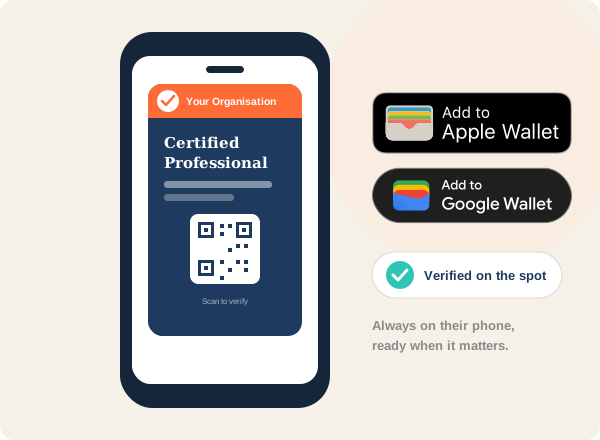
From claim to pocket in four steps
You issue the credential
Issue as normal. Every credential is wallet-ready out of the box, with no extra setup.
The recipient claims it
On their claim page they see an Add to Apple Wallet or Add to Google Wallet button.
One tap to add the pass
The branded pass drops straight into their phone's wallet, alongside their boarding passes and tickets.
Scanned to verify in person
When someone needs proof, the recipient shows the pass and its QR code is scanned to verify on the spot.
Made for in-person moments
Wherever a credential needs to be shown and checked face to face.
Membership shown at the door
Members show their current membership or CPD status from their wallet at events and member-only spaces, scanned to verify in seconds.
Site-safety certs on the job
Workers carry safety and compliance certifications in their wallet and present them for a quick scan at site access, with no portal login required.
Proof in the interview room
Graduates keep verifiable proof of their qualification on their phone, ready to show an employer the moment it matters.
Skills ready to show, anywhere
Learners keep their certificates in their wallet and produce them on demand, online or face to face, without digging through email.
Explore related features
Common questions about wallet passes
Does it cost recipients anything?
Which devices and wallets are supported?
What shows on the pass?
From the blog
The Fight Against Fake Certificates: How Verifiable Digital Credentials Are Making a Difference
How verifiable digital credentials and blockchain technology are combating credential fraud and reshaping trust in qualifications.
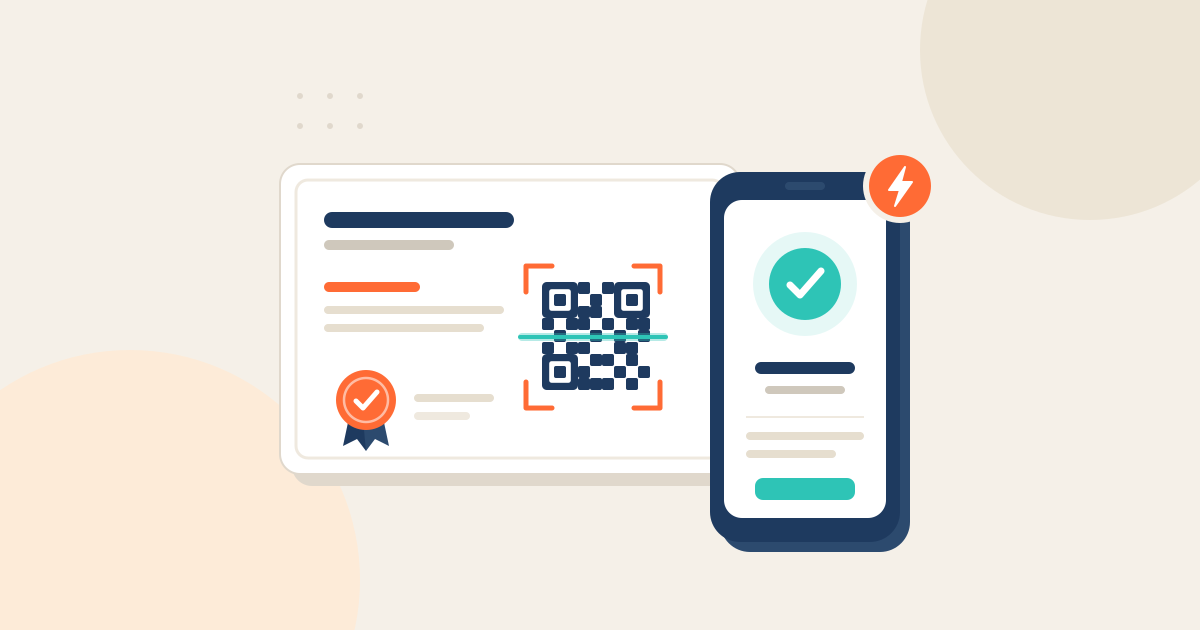
Providing Instant Verification for Your Certificates with Integrated QR Codes
Certify enables instant certificate verification through integrated QR codes, enhancing security, reducing fraud and streamlining authentication for digital credentials.
The Future of Certification: Why Digital Credentials Are Essential in Regulated Industries
Digital credentials replace outdated paper certificates with secure, verifiable solutions that enhance trust, efficiency and accessibility for professionals and organisations.
Ready to put your credentials in every pocket?
Book a 30-minute demo and see a credential added to Apple Wallet and Google Wallet live.