
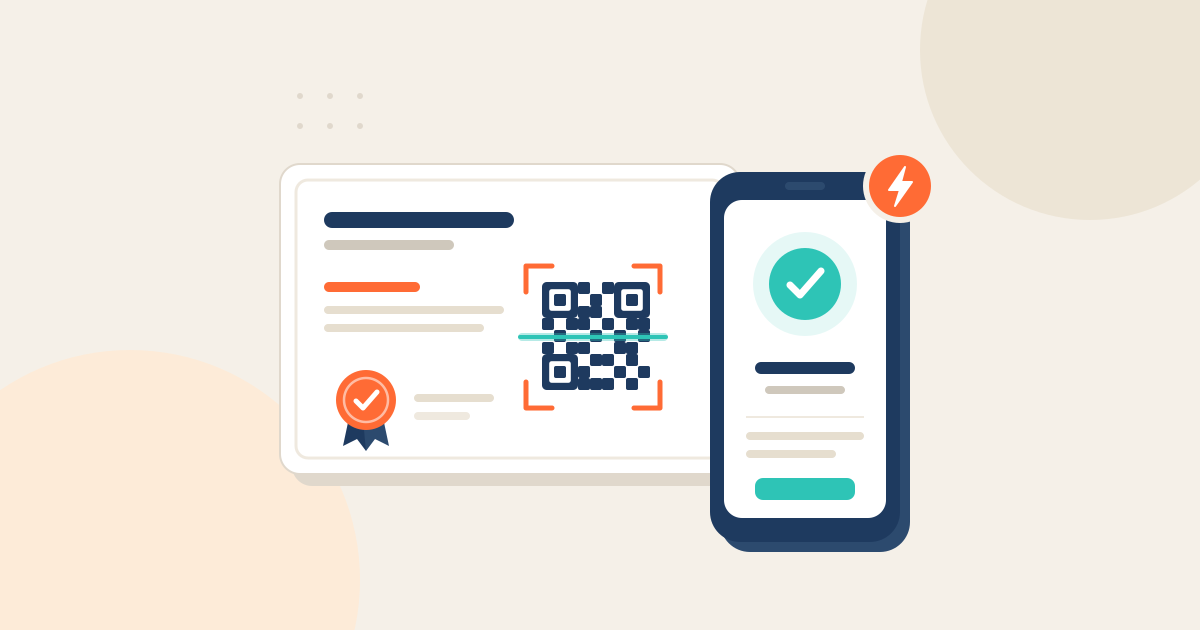
Every certificate issued through Certify carries a QR code that links to its live verification page. Scanning it with any phone camera shows who issued the certificate, who it was issued to, when, and whether it is still valid, so an employer or auditor can check it in seconds without contacting you.
How do QR codes verify a certificate?
Effortless Integration: When you design and issue certificates through Certify, a unique QR code is automatically generated and embedded within the digital document. No extra steps required!
A Link to the Live Record: Each QR code links to the certificate's own verification page, hosted by Certify, which shows the recipient's name, the specific achievement or qualification, the issue date and a unique certificate ID.
Instant Access to Official Records: When scanned with any smartphone or QR code reader, the code instantly directs the verifier to that page. It shows the official record of the certificate held on Certify, and a cryptographic hash and timestamp of each credential are anchored to a public blockchain, so any alteration is detectable.
Real-Time Authentication: Verification happens in real time. The verifier can immediately compare the information on the certificate with the official record, confirming its authenticity and validity without delay.
Enhanced Security and Reduced Fraud: By linking the certificate directly to a secure online record managed by Certify, the risk of fraudulent or altered credentials is significantly reduced.
The same verification link works on screen or in print. Recipients can also add their credential to Apple Wallet or Google Wallet with Wallet Passes, where its QR code is scanned to verify in person.
What happens if the certificate is revoked or expired?
The QR code always opens the certificate's current record, so the verifier sees its status today, not on the day it was printed. If the certificate's expiry date has passed, the verification page shows it as expired, alongside the original issue date and the issuer. The Open Badges 2.0 specification from 1EdTech treats expiry and revocation as separate properties, and a verifier treats both as a failed check. Our guide to expired and revoked badges explains the difference.
Can QR codes be faked?
Anyone can copy a QR code or print a certificate that looks genuine, but a copied code still points at the real record, and that record shows the real recipient. If the name on the certificate doesn't match the name on the verification page, the certificate isn't genuine. For more on spotting forgeries, see how to stop fake certificates with verifiable credentials.
The Benefits for Your Organisation and Your Learners
Boost Credibility: Offer your learners a modern and trustworthy way to showcase their achievements. The presence of a verifiable QR code instantly adds a layer of credibility to your certificates.
Streamline Verification: Eliminate the need for manual verification requests, saving time and resources for both your team and those seeking to validate your credentials.
Enhance Learner Experience: Provide your learners with a convenient and efficient way to prove their qualifications to employers, educational institutions, and other stakeholders.
Strengthen Your Brand Reputation: By offering secure and easily verifiable credentials, you reinforce your commitment to quality and integrity.
Gain Valuable Insights: Track how often your certificates' verification pages are viewed, providing you with valuable data on their reach and impact.
Certify makes it easy to provide cutting-edge, verifiable digital certificates. Our integrated QR code functionality is just one of the many ways we empower your organisation to issue credentials with confidence and enhance the value of your learners' achievements.